GeezerVisonThe World Wide Web, restored to 800 pixels of glory. |
| Home|About|Gaming cabinet|Archives|How it works|Starter sites |
GeezerVison is showing thepythoncode.com — How to Extract All PDF Links in Python - The Python Code Ready to take Python coding to a new level? Explore our Python Code Generator. The perfect tool to get your code up and running in no time. Start now! Do you want to extract the URLs that are in a specific PDF file ? If so, you're in the right place. In this tutorial, we will use pikepdf and PyMuPDF libraries in Python to extract all links from PDF files. We will be using two methods to get links from a particular PDF file, the first is extracting annotations, which are markups, notes and comments, that you can actually click on your regular PDF reader and redirects to your browser, whereas the second is extracting all raw text and using regular expressions to parse URLs. To get started, let's install these libraries: Get: Practical Python PDF Processing EBook. Method 1: Extracting URLs using AnnotationsIn this technique, we will use the pikepdf library to open a PDF file, iterate over all annotations of each page and see if there is a URL there: I'm testing on this PDF file, but feel free to use any PDF file of your choice, just make sure it has some clickable links. After running that code, I get this output: Awesome, we have successfully extracted 30 URLs from that PDF paper. Get Our Practical Python PDF Processing EBookMaster PDF Manipulation with Python by building PDF tools from scratch. Get your copy now! Download EBookMethod 2: Extracting URLs using Regular ExpressionsIn this section, we will extract all raw text from our PDF file and then we use regular expressions to parse URLs. First, let's get the text version of the PDF: Now Output: ConclusionThis time we only extract 9 URLs from that same PDF file, now this doesn't mean the second method is not accurate. This method parses only URLs that are in text form (not clickable). However, there is a problem with this method, as URLs may contain newlines ( So to conclude, if you want to get URLs that are clickable, you may want to use the first method, which is preferable. But if you want to get URLs that are in text form, the second may help you do that! If you want to extract tables or images from PDF, there are tutorials for that: Finally, for more PDF handling guides on Python, you can check our Practical Python PDF Processing EBook, where we dive deeper into PDF document manipulation with Python, make sure to check it out here if you're interested! Learn also: How to Make an Email Extractor in Python. Happy Coding ♥ Let our Code Converter simplify your multi-language projects. It's like having a coding translator at your fingertips. Don't miss out!
Sharing is caring!
Read also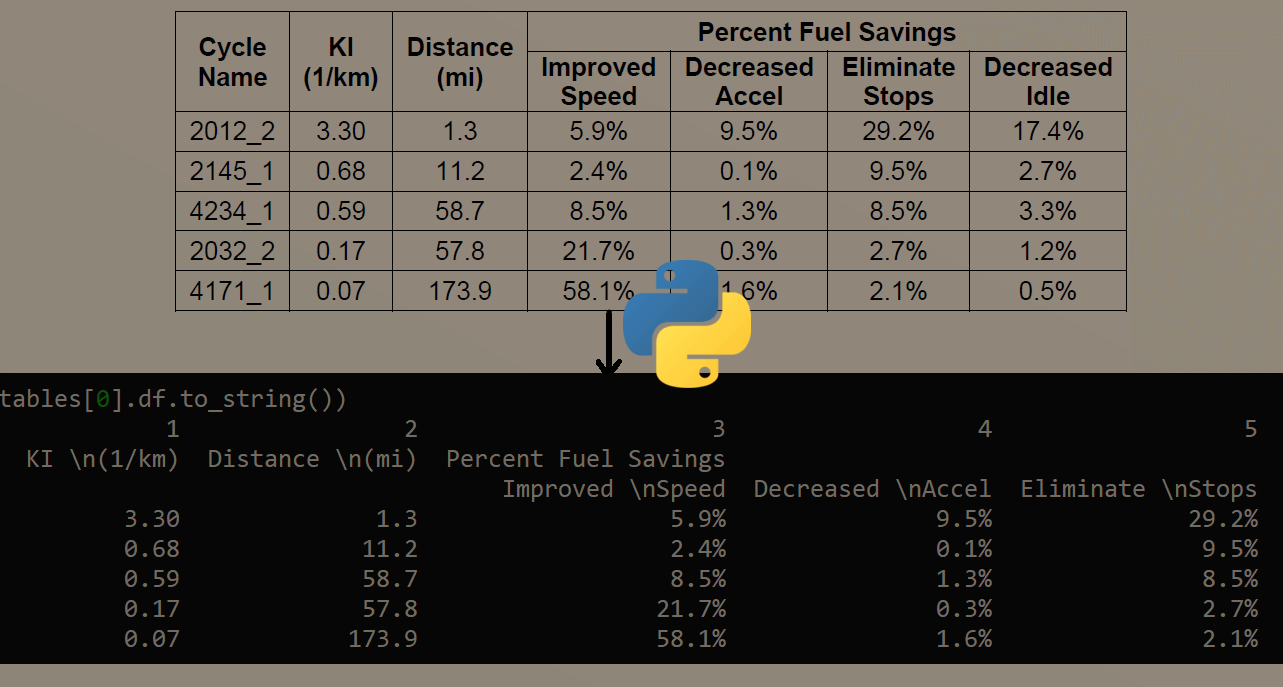
How to Extract Tables from PDF in PythonLearning how to extract tables from PDF files in Python using camelot and tabula libraries and export them into several formats such as CSV, excel, Pandas dataframe and HTML. 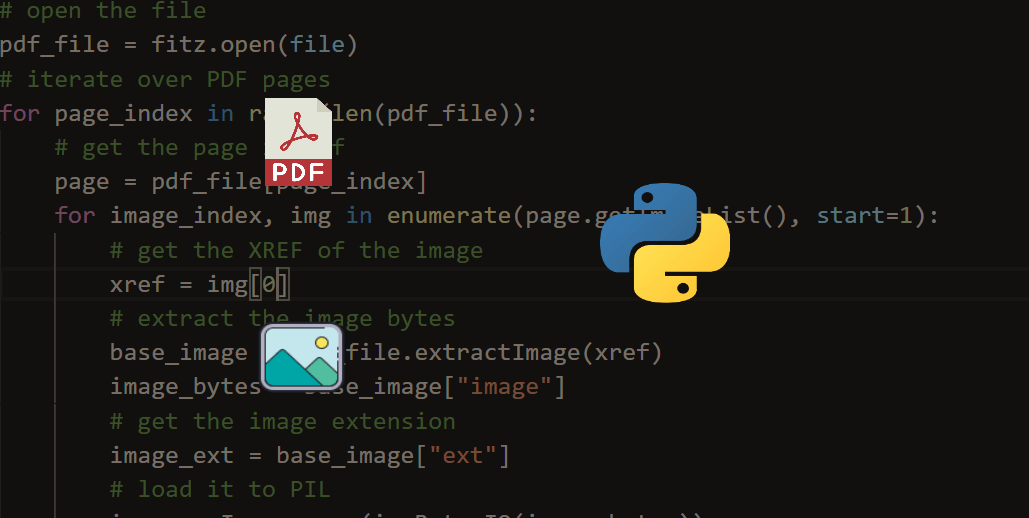
How to Extract Images from PDF in PythonLearn how to extract and save images from PDF files in Python using PyMuPDF and Pillow libraries. 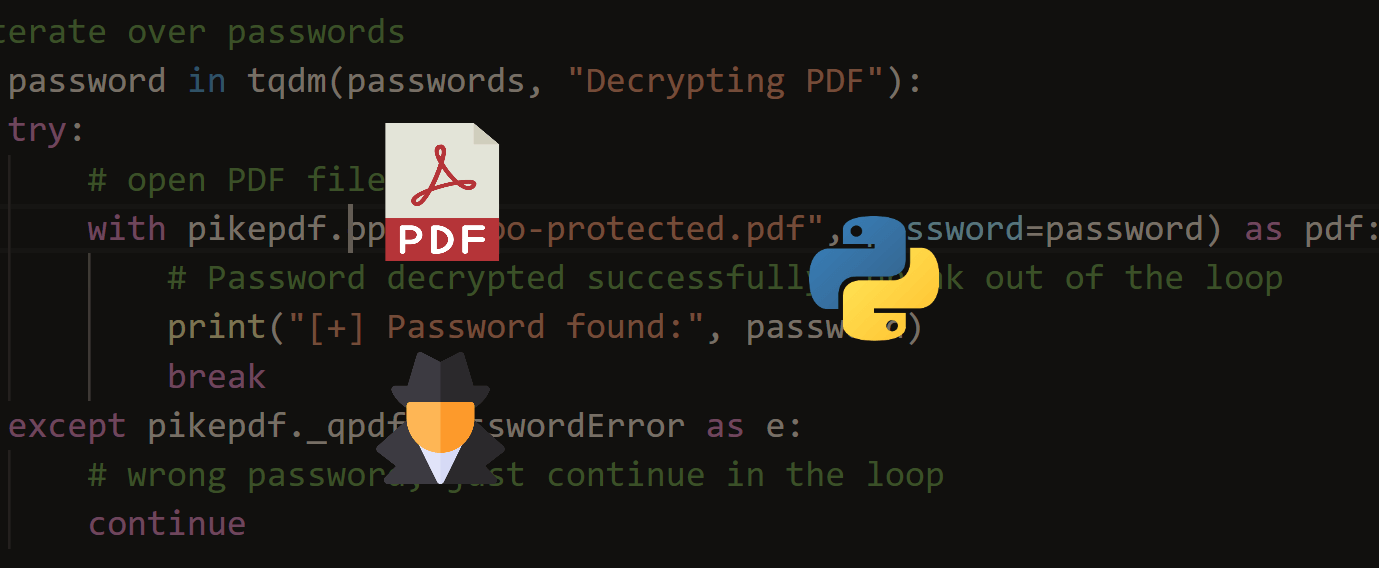
How to Crack PDF Files in PythonLearn how you can use pikepdf, pdf2john and other tools to crack password protected PDF files in Python. CommentsGot a coding query or need some guidance before you comment? Check out this Python Code Assistant for expert advice and handy tips. It's like having a coding tutor right in your fingertips! |
| You are visitor 01402503 — GeezerVison does not store the pages you look up. Best viewed with Netscape Navigator 4.7 or Internet Explorer 6 at 800×600. No cookies required. |