GeezerVisonThe World Wide Web, restored to 800 pixels of glory. |
| Home|About|Gaming cabinet|Archives|How it works|Starter sites |
GeezerVison is showing thepythoncode.com — How to Extract Image Metadata in Python - The Python Code Want to code faster? Our Python Code Generator lets you create Python scripts with just a few clicks. Try it now! In this tutorial, you will learn how you can extract some useful metadata within images using the Pillow library in Python. Devices like digital cameras, smartphones, and scanners use the EXIF standard to save images or audio files. This standard contains many useful tags to extract, which can be useful for forensic investigation, such as the make and model of the device, the exact date and time of image creation, and even the GPS information on some devices. Please note that there are free tools to extract metadata such as ImageMagick or ExifTool on Linux, the goal of this tutorial is to extract metadata with the Python programming language. Related: How to Extract Video Metadata in Python. To get started, you need to install the Pillow library: Open up a new Python file and follow along: Now, this will only work on JPEG image files, take any image you took and test it for this tutorial (if you want to test on my image, you'll find it in the tutorial's repository): We loaded the image using the Get our Ethical Hacking with Python EBook Now, let's call the The problem with Here is my output: A bunch of useful stuff; by quickly googling the Model, I concluded that this image was taken by a Samsung Galaxy S6. Run this on images that were captured by other devices, and you'll see different (maybe more) fields. Alright, we're done. A good challenge for you is to download all images from a URL and then run this tutorial's script on every image you find and investigate the interesting results! Finally, we have an EBook for ethical hackers like you, where we build 35+ hacking tools with Python from scratch! Check it out here. Learn also: How to Use Steganography to Hide Secret Data in Images in Python. Happy Coding ♥ Found the article interesting? You'll love our Python Code Generator! Give AI a chance to do the heavy lifting for you. Check it out!
Sharing is caring!
Read also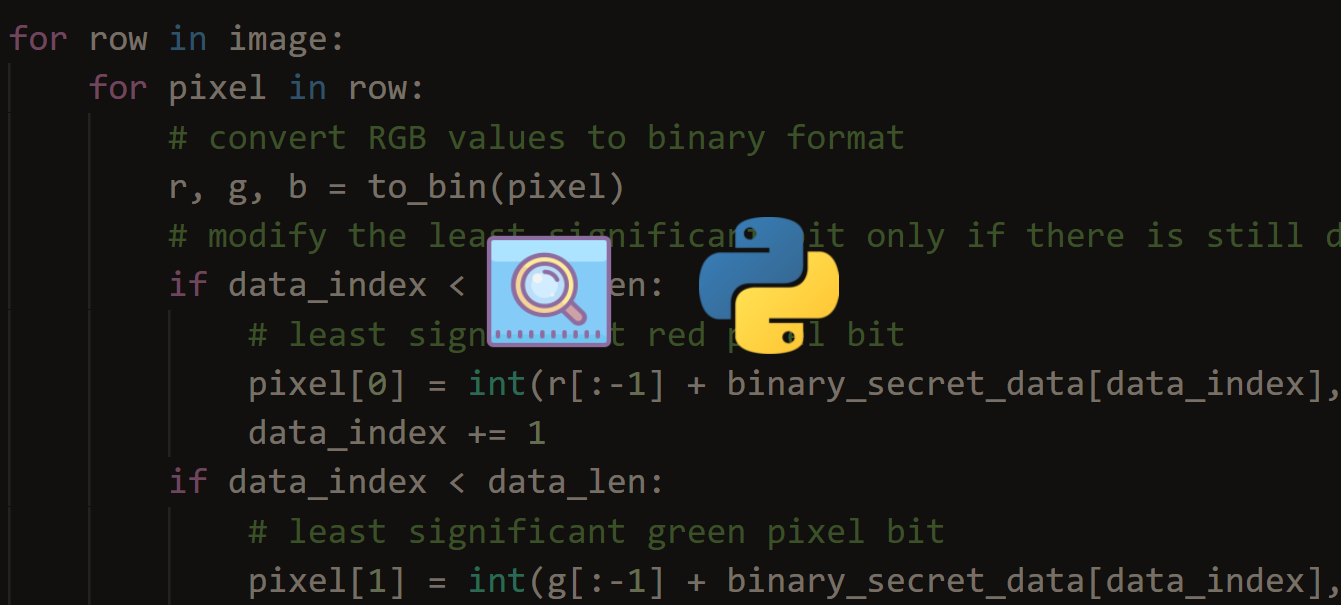
Steganography: How to Hide Data in Images in PythonLearning how to hide secret data in images using Steganography least significant bit technique in Python using OpenCV and Numpy. 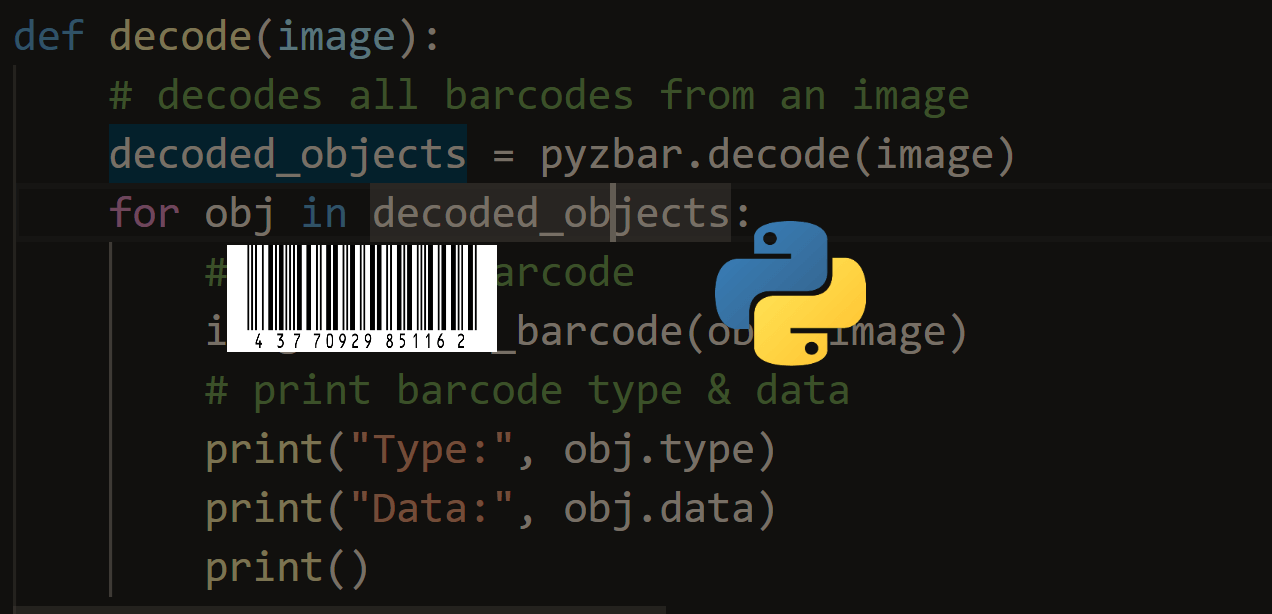
How to Make a Barcode Reader in PythonLearn how to make a barcode scanner that decodes barcodes and draw them in the image using pyzbar and OpenCV libraries in Python 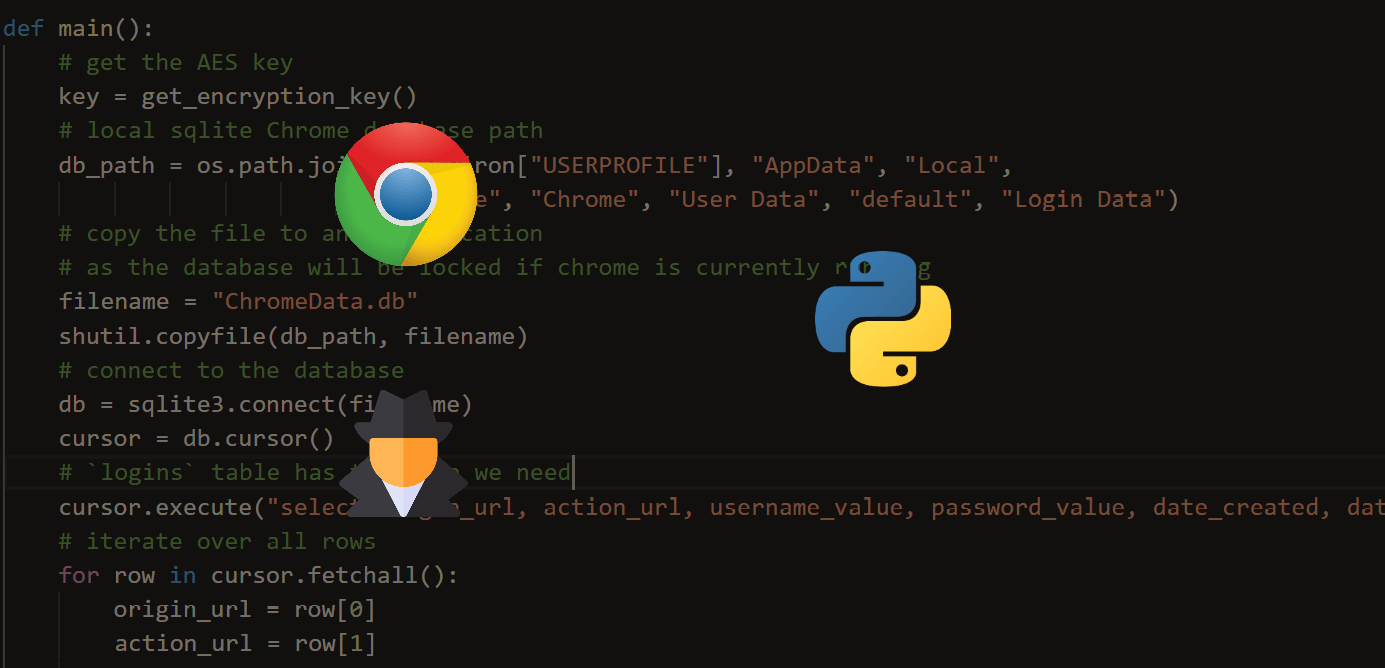
How to Extract Chrome Passwords in PythonLearn how to extract and decrypt Google Chrome browser saved passwords using Python with the help of sqlite3 and other modules. CommentsGot a coding query or need some guidance before you comment? Check out this Python Code Assistant for expert advice and handy tips. It's like having a coding tutor right in your fingertips! |
| You are visitor 01402503 — GeezerVison does not store the pages you look up. Best viewed with Netscape Navigator 4.7 or Internet Explorer 6 at 800×600. No cookies required. |