GeezerVisonThe World Wide Web, restored to 800 pixels of glory. |
| Home|About|Gaming cabinet|Archives|How it works|Starter sites |
GeezerVison is showing trycloudmail.com — Email app for phone and desktop, with push · cloudmail 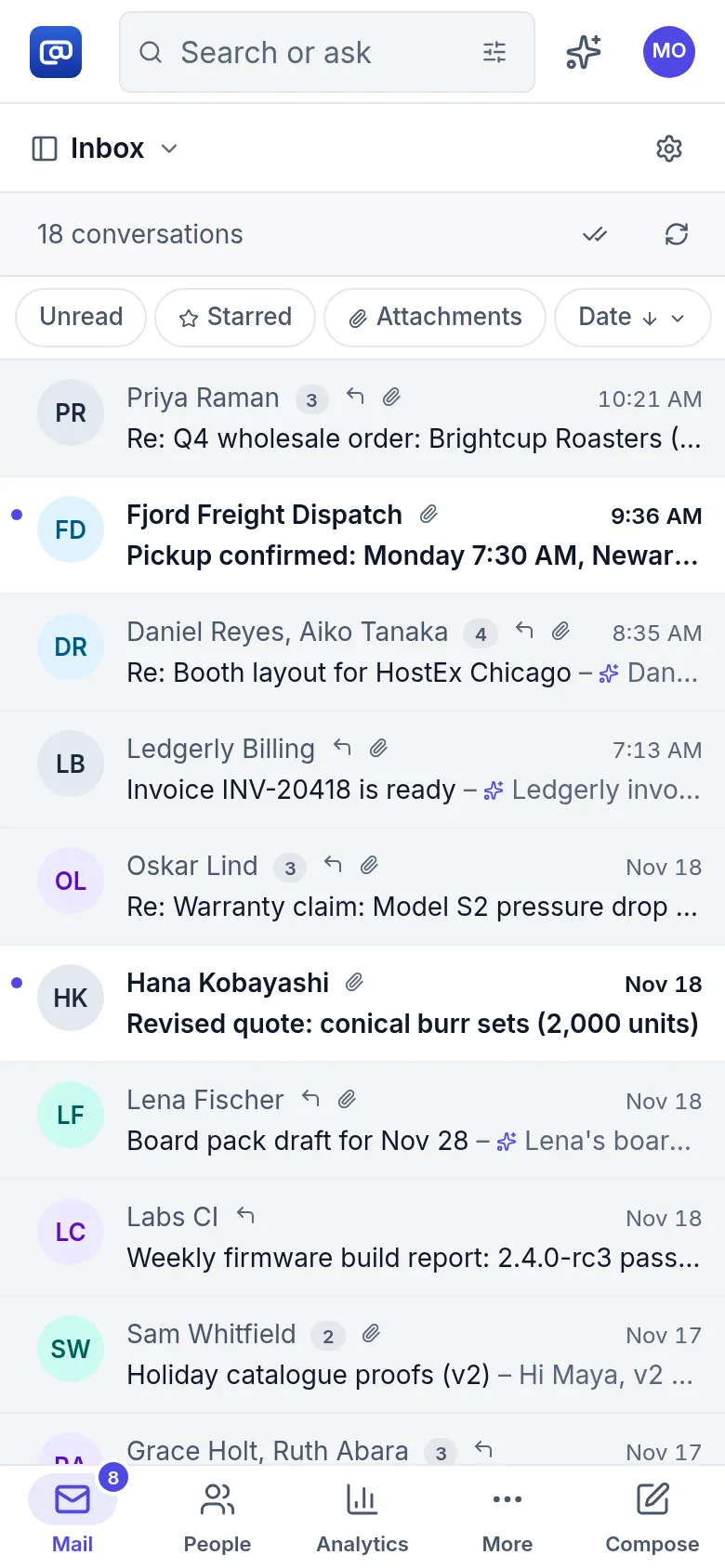 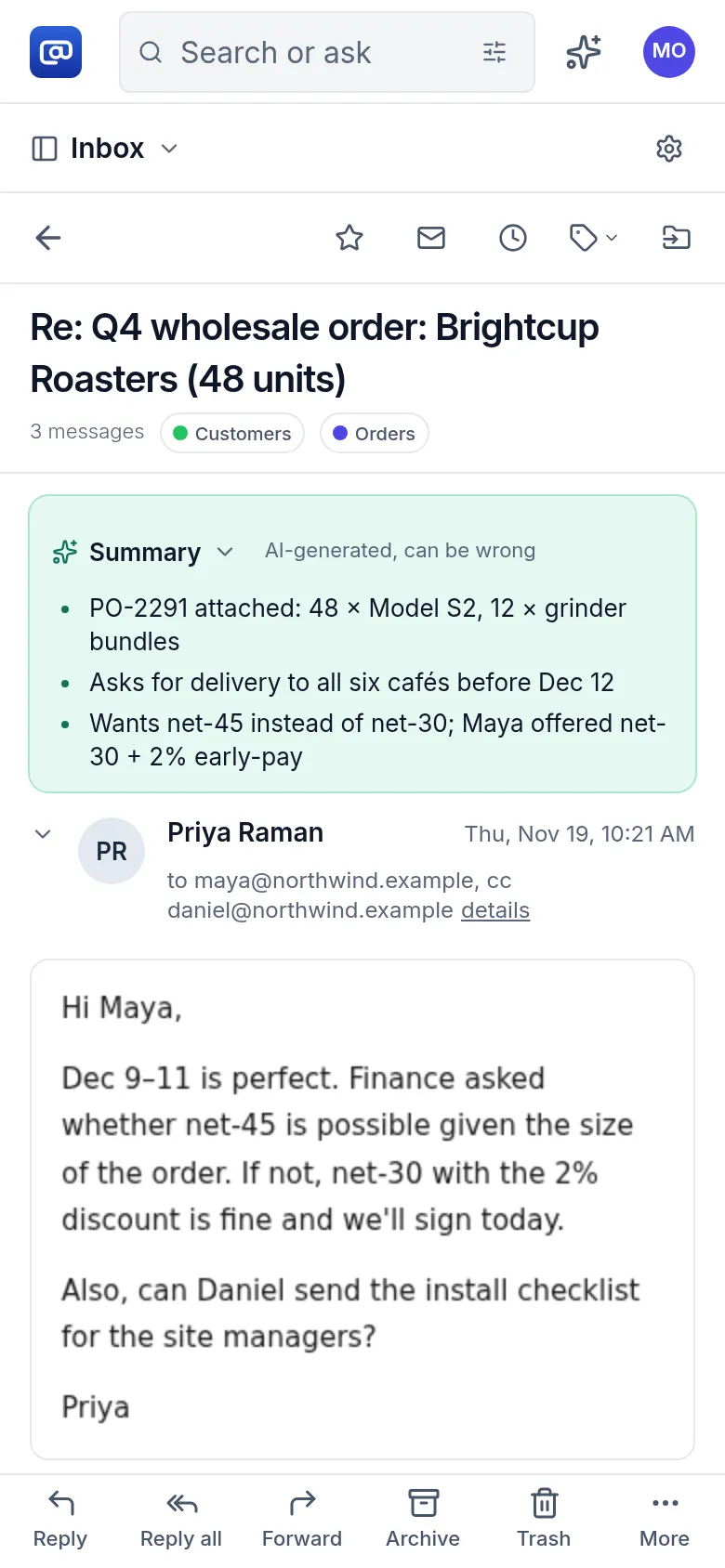  cloudmail Priya Nair Re: Pilot start date Monday works. Can we add two more people? ArchiveMark read What the app doesInstall it as an appAdd it to your home screen or dock. It opens like any other app. Push notificationsNew mail, sends waiting for approval and follow-ups, encrypted to your device. Act from the notificationArchive or mark as read without opening the app. Quiet hoursHold notifications overnight, or hide the sender and subject from the lock screen. Live updatesOpen tabs update as mail arrives, without refreshing. Your brandingSet the app's name, accent colour and logo for your deployment. Questions about the appIs cloudmail in the App Store or on Google Play?No. cloudmail is a web app you install from the browser, so there is nothing to download from a store. Do push notifications work on iPhone?Yes, on iOS 16.4 or later, once cloudmail is added to the Home Screen and notifications are turned on from the installed app. Which mail sends a notification?Only mail that lands in an Inbox you can read. Spam, screened mail and muted threads never notify, and you can limit it to mail that needs a reply or to VIP senders. Related featuresMail clientThreads, labels, search, snooze, scheduled send with undo, rules and templates.Send approvalSends from agents and API tokens wait until a person approves them.SecurityPasskeys, two-factor sign-in, sender checks and remote images held back. In the docs: Push notifications. See every cloudmail feature, or browse the documentation. One-time licence Your mail, in your account, paid for once. |
| You are visitor 01402775 — GeezerVison does not store the pages you look up. Best viewed with Netscape Navigator 4.7 or Internet Explorer 6 at 800×600. No cookies required. |