GeezerVisonThe World Wide Web, restored to 800 pixels of glory. |
| Home|About|Gaming cabinet|Archives|How it works|Starter sites |
GeezerVison is showing trycloudmail.com — Fast webmail for your own domain · cloudmail 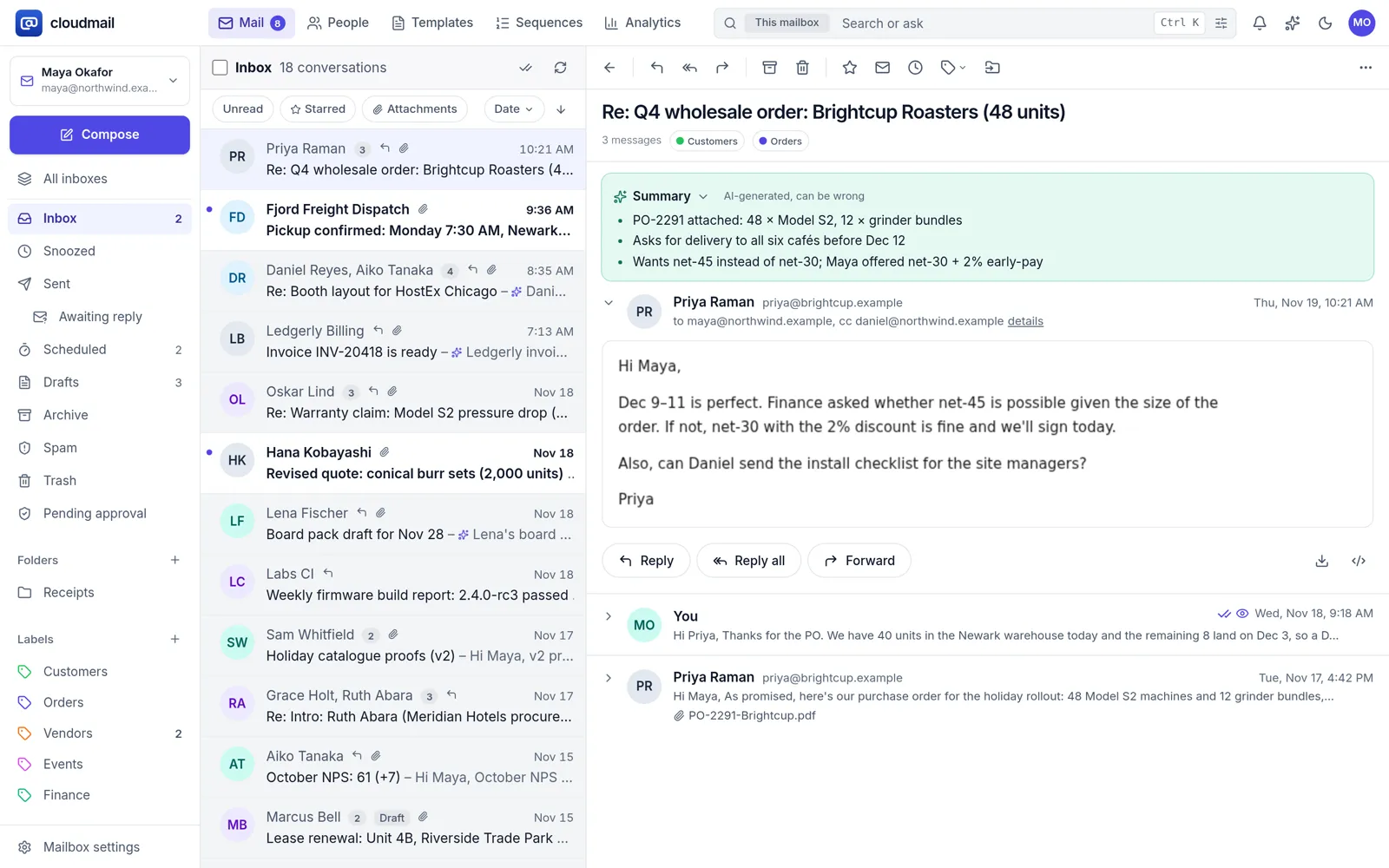 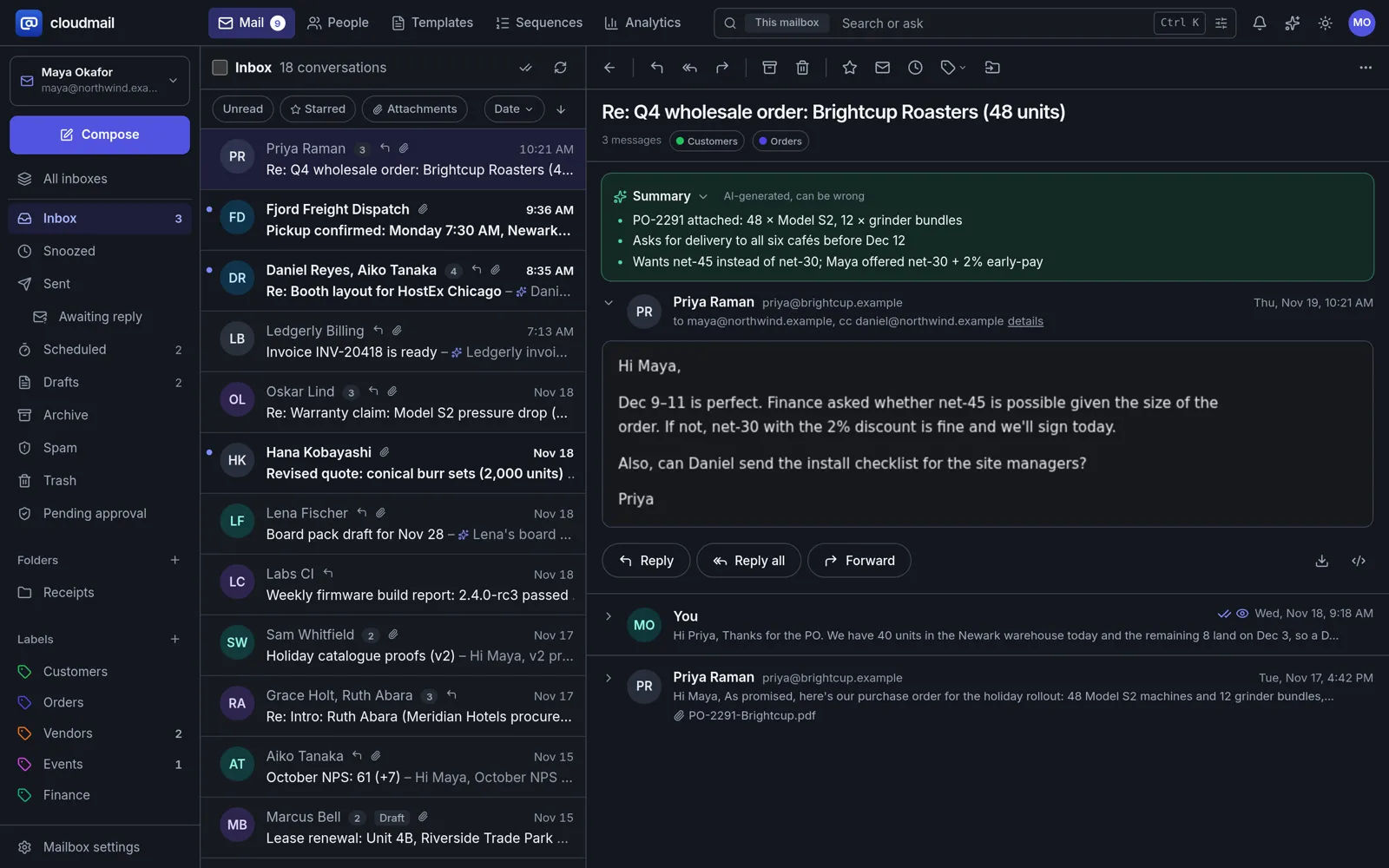 What the mail client doesThreads, folders and labelsConversations stay together, and any label can become a tab above the Inbox. Schedule and undoSend later, or take a message back within 30 seconds. Snooze and follow-upsSnoozed mail returns when you asked. Remind me if no reply brings a sent message back. Search operatorsfrom:, to:, subject:, is:, has:, before: and after: over a full-text index. Rules and vacation repliesFile, label or mute mail before you see it. Auto-replies skip mailing lists and other auto-responders. Keyboard firstA command palette and shortcuts for moving through mail without the mouse. cloudmail compared with Google Workspacecloudmail compared with Outlookcloudmail compared with Proton Mail Questions about the mail clientCan I use Apple Mail, Outlook or Thunderbird with cloudmail?No. cloudmail is a web app, not an IMAP or SMTP server. Install it from the browser to get an app icon and push notifications. Does cloudmail have a calendar or documents?No. cloudmail does email only. How do I bring my old mail in?Import a Google Takeout .mbox file, .eml files or any IMAP account. Labels, threads and read state come with it. Related featuresAI email assistantSummaries on every thread and replies drafted for you to send.Import your mailGoogle Takeout, .mbox, .eml or any IMAP account, with labels and threads kept.Phone and desktop appInstall it from the browser, with push notifications for mail and approvals. In the docs: Features. See every cloudmail feature, or browse the documentation. One-time licence Your mail, in your account, paid for once. |
| You are visitor 01402775 — GeezerVison does not store the pages you look up. Best viewed with Netscape Navigator 4.7 or Internet Explorer 6 at 800×600. No cookies required. |