GV

GeezerVison

The World Wide Web, restored to 800 pixels of glory.

Home|About|Gaming cabinet|Archives|How it works|Starter sites

On this site

  • Agents
  • Models
  • Customizations
  • Continuity
  • Write code
  • Enterprise
  • Extensibility
  • Release notes
  • Blog
  • Documentation
  • Learn
  • API
  • FAQ
  • Extension Marketplace (opens in new tab)

This view

  • Original page
  • New address

GeezerVison is showing code.visualstudio.com — Documentation for Visual Studio Code

Visual Studio Code documentation

Build your first app with AI

Build a small web app with an AI agent, test it in the browser, and review the generated changes.

Get started →

What do you want to do?

Set up VS Code

Install VS Code, open your code, and choose a guided path for your first task.

Learn the editor

Create, preview, and debug a small app, then explore settings, extensions, and Git. No AI required.

Set up your language

Set up editing, running, and debugging for Python, JavaScript, C++, and more.

Use AI on your codebase

Find guides to explore a codebase, add features, fix bugs, and test changes with AI agents.

Customize AI for your project

Configure custom instructions, skills, and MCP servers to tailor AI to your workflow.

Manage VS Code for your team

Configure policies, extensions, AI access, and network settings for your organization.

Latest

release

VS Code 1.146 release

Triage sessions with inbox mode and try chat windows.
documentation

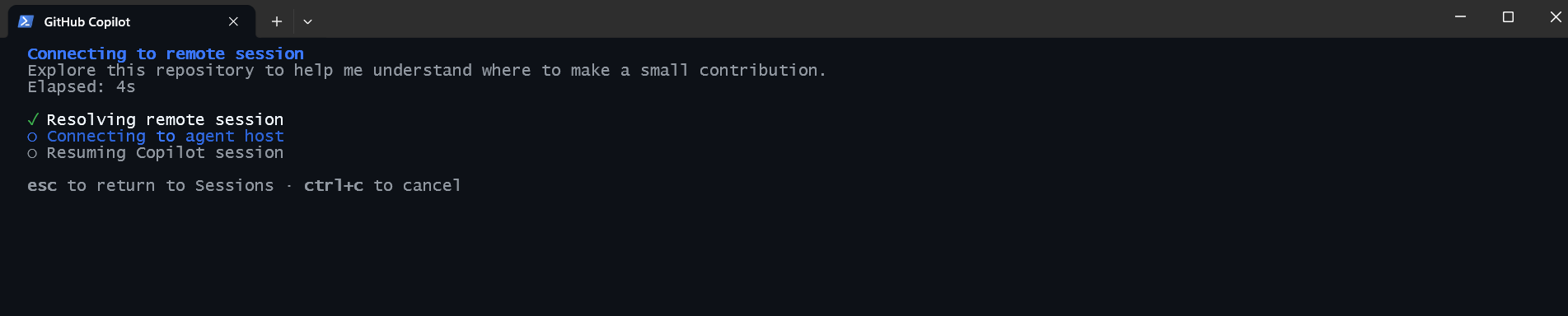
Continue agents across apps

Start an agent task in VS Code, then continue the same conversation in your terminal with Copilot CLI.
blog

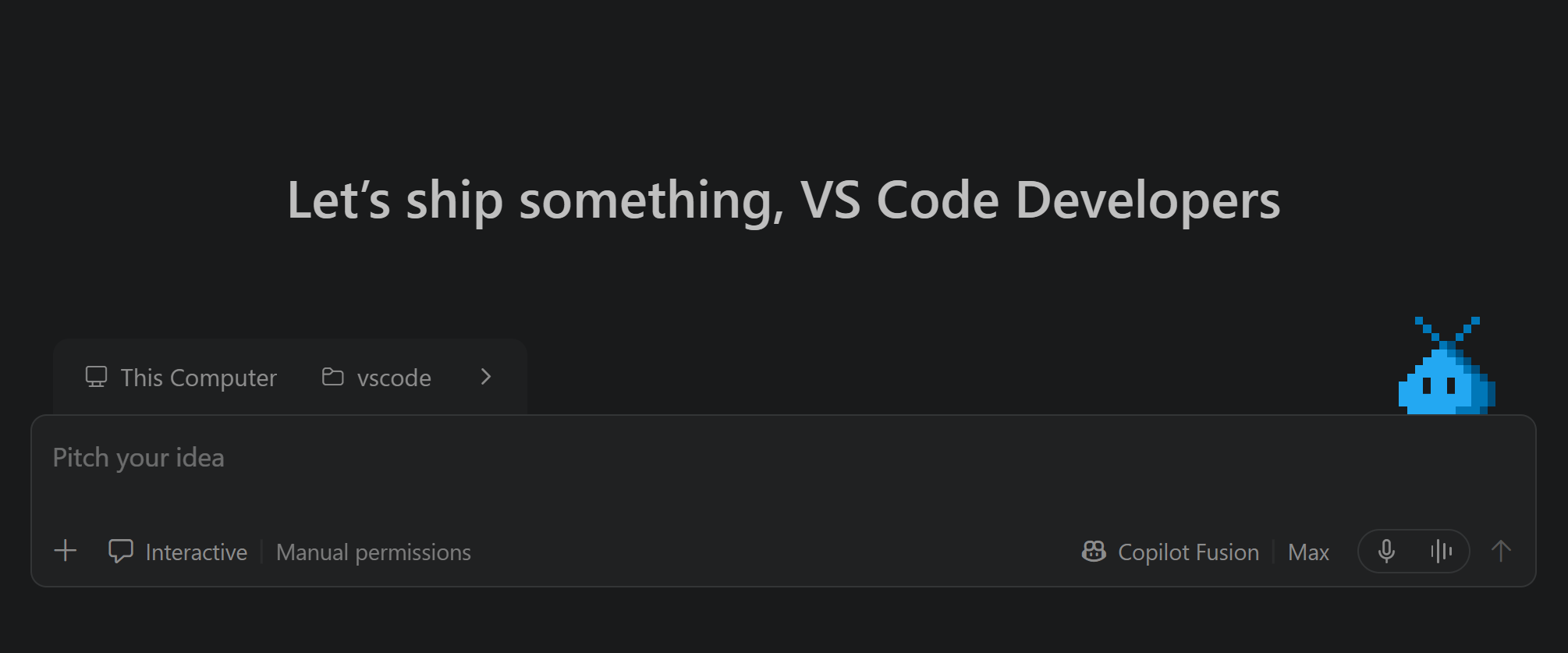
VS Code Wrapped: GitHub Universe 2026

Catch up on a year of VS Code, from parallel agents to continuous work across apps and environments.
You are visitor 01402503 — GeezerVison does not store the pages you look up.
Best viewed with Netscape Navigator 4.7 or Internet Explorer 6 at 800×600. No cookies required.