GV

GeezerVison

The World Wide Web, restored to 800 pixels of glory.

Home|About|Gaming cabinet|Archives|How it works|Starter sites

On this site

  • Agents
  • Models
  • Customizations
  • Continuity
  • Write code
  • Enterprise
  • Extensibility
  • Release notes
  • Blog
  • Documentation
  • Learn
  • API
  • FAQ
  • Extension Marketplace (opens in new tab)

This view

  • Original page
  • New address

GeezerVison is showing code.visualstudio.com — Introductory Videos for C++

Introductory Videos for C++

  • View as Markdown
  • Ask in VS Code
  • Ask in VS Code Insiders

Get started with C++ in Visual Studio Code by watching these introductory videos! These videos are designed to help you set up C++ IntelliSense and build and debug C++ projects in VS Code. After watching these quick tutorials, you'll be able to enjoy VS Code's rich C++ feature set.

Getting started with C++ in 5 minutes

This video shows you how to install the C/C++ extension and a C++ compiler. You then learn how to run and debug your code by using the run or debug play button.
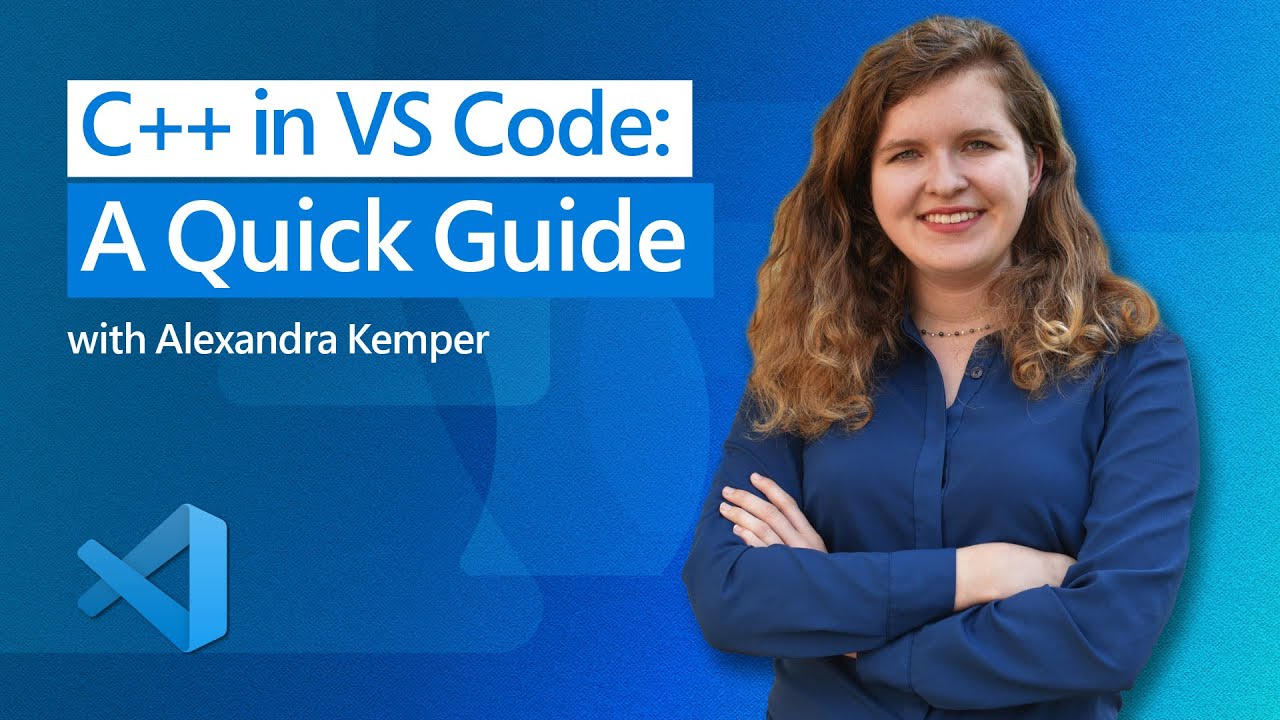
Watch Getting Started with C++ in 5 minutes on YouTube (opens in new tab).

Configure C++ IntelliSense

This video walks you through the steps to configure C++ IntelliSense for your project.
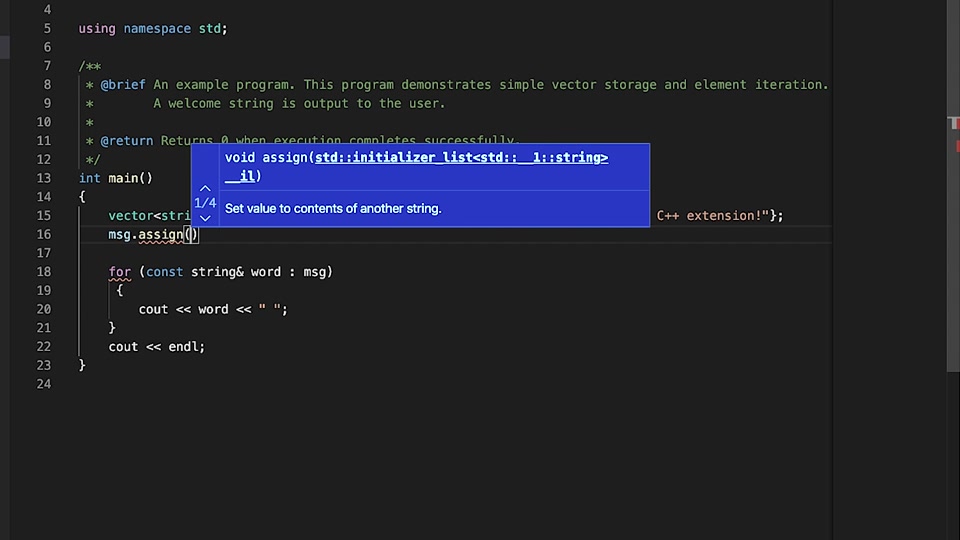
Watch Configure C++ IntelliSense in Visual Studio Code on Microsoft Learn (opens in new tab).

Build a C++ project

Learn how to build C++ projects in VS Code by customizing your C++ build tasks.
Watch Build a C++ project in VS Code on Microsoft Learn (opens in new tab).

Debug a C++ project

This video shows you how to customize debug configurations for your C++ project and start a C++ debugging session in VS Code.
Watch Debug a C++ project in VS Code on Microsoft Learn (opens in new tab).

Getting started using Copilot Chat for C++ in VS Code

This video covers some use cases for using Copilot Chat in VS Code with C++ Code.
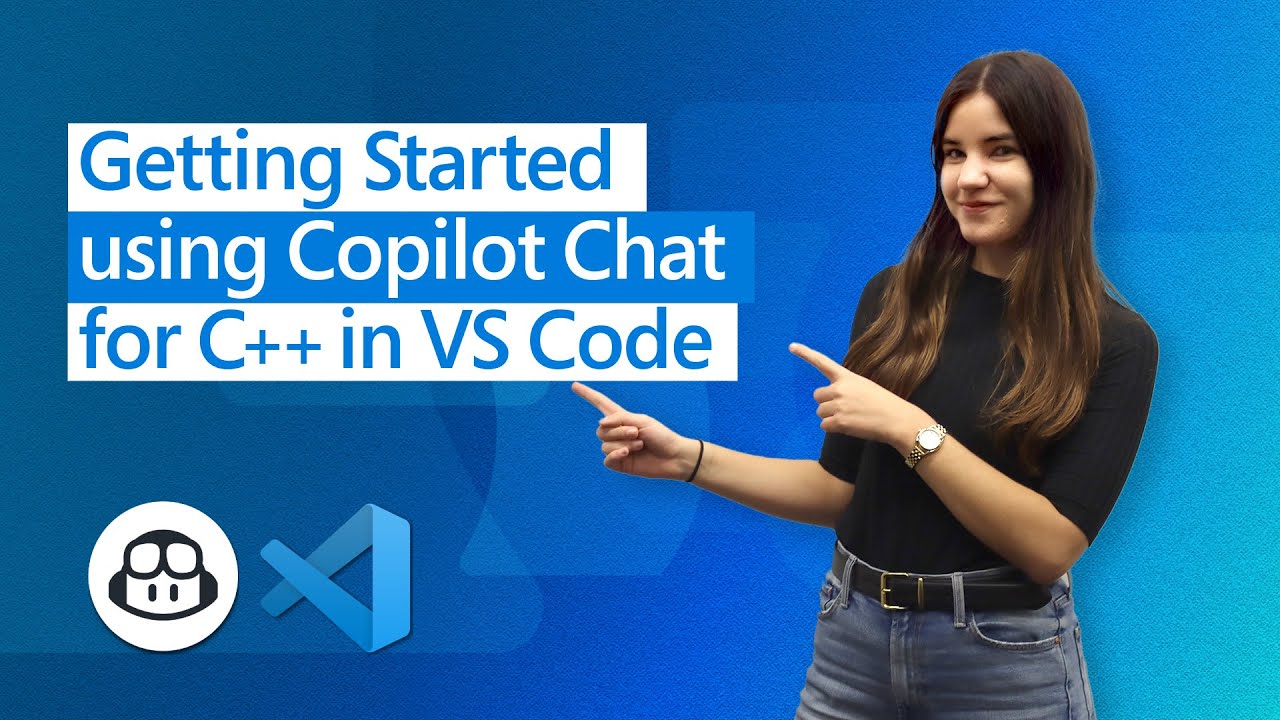
Watch Getting Started using Copilot Chat for C++ in VS Code on YouTube (opens in new tab).

Next steps

  • Learn about all the C++ editing features available in VS Code.
  • Check out the Hello World tutorials for getting started with C++ for your toolset and platform:
    • GCC on Windows
    • Microsoft C++ on Windows
    • GCC on Linux
    • GCC on Windows Subsystem For Linux
    • Clang/LLVM on macOS
4/13/2021
You are visitor 01402503 — GeezerVison does not store the pages you look up.
Best viewed with Netscape Navigator 4.7 or Internet Explorer 6 at 800×600. No cookies required.