GV

GeezerVison

The World Wide Web, restored to 800 pixels of glory.

Home|About|Gaming cabinet|Archives|How it works|Starter sites

On this site

  • Happy Coding
  • Tutorials
  • Blog

This view

  • Original page
  • New address

GeezerVison is showing happycoding.io — Java Server Tutorials

Server Tutorials

  • Tomcat Setup

  • Jetty Setup

  • Embedded Jetty
    • Hello World: Embedded Jetty (Command Line)
    • Hello World: Embedded Jetty (Maven)

  • Anatomy of a Web App
    • Hello World: Static Website
    • Hello World: Command Line
    • Hello World: Maven

  • Client / Server Communication

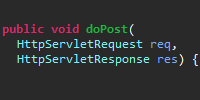
  • Servlets
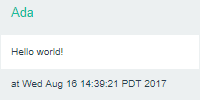
    • Social Feed Website Part 1: Servlets

  • JSP
    • Social Feed Website Part 2: JSP
    • JSP Unix Time
    • JSP Date
    • JSP Coin Flipper
    • JSP Zoo
    • JSP Header
    • Servlet JSP Date
    • Servlet JSP Date (Hidden JSP)

  • Eclipse EE

  • Post Requests
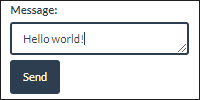
    • Social Feed Website Part 3: Post Requests
    • Name Input
    • Name List
    • Name List - JSP
    • Name List - Fetch

  • Libraries

  • Sanitizing User Input
    • Unsanitized User Input
    • Escaping User Input

  • Sessions
    • Social Feed Website Part 4: Sessions

  • Secure Password Storage

  • Hosting on AWS

  • Thread Safety
    • Social Feed Website Part 5: Thread Safety

  • Hosting on Google App Engine

  • Databases

  • Uploading Files

  • Creating a REST API

  • Struts
  • p5.js Tutorials
  • HTML Tutorials
  • JavaScript Tutorials
  • Processing Tutorials
  • Java Tutorials
  • Server Tutorials
  • Google Cloud
  • Android Tutorials
  • LibGDX Tutorials
  • How-To Guides
  • Interviewing

  • Gallery

  • Blog

  • Teaching

  • Forum

  • Mastodon github
    etsy youtube RSS

Java Server Tutorials

These tutorials assume you're already familiar with the fundamentals of coding, and that you've already read the Java tutorials. You should also be familiar with client-side web programming from the HTML and JavaScript tutorials.

Running a Server

Pick a server and run with it.

Not sure which to choose? Try each one out and see which one you like the best!

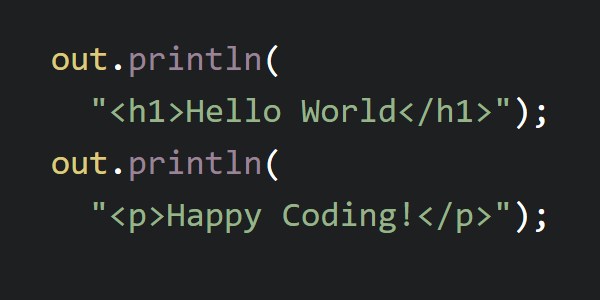
Tomcat Setup Tomcat Setup

Run your own Tomcat server.

Jetty Setup Jetty Setup

Run your own Jetty server.

Embedded Jetty Embedded Jetty

Run a Jetty server from Java code.

Javax vs Jakarta

Java EE has a long and complicated history which can make tutorials and examples confusing. I'll try to simplify it as much as possible so you know what you're looking at.

Java EE stands for Java Enterprise Edition. "Enterprise" means "business", because back when it was invented in 1999, the only websites that needed server code were owned by businesses. Since then, server code has been used by many people, not just businesses, but the name stuck.

From 1999 to 2019, Java EE was continually developed by Sun and then Oracle. They launched several versions of Java EE, which included several versions of the Java servlets API. They released their code under the javax package, for example the javax.servlet.http.HttpServlet class.

Then in 2019, Oracle gave Java EE to the Eclipse Foundation. But here's the weird part: they didn't let the Eclipse Foundation use the name "Java" or the javax package.

That meant that after 2019, Java EE was renamed to Jakarta EE, and the code itself was moved to a new jakarta package, for example jakarta.servlet.http.HttpServlet.

In other words, old tutorials will talk about Java EE and use the old javax package, but new tutorials will talk about Jakarta EE and use the new jakarta package. This also means that if you download an old version of a library or server container, it might only work with the old javaxpackage, but new versions of libraries and server containers will only work with the new jakarta package.

This is all really confusing, so if you have a question, please reach out to me on the Happy Coding forum)!

Java Server Tutorials

After you've run a server, read through these tutorials in order.

Chapter 1: Anatomy of a Web App

Anatomy of a Web App Anatomy of a Web App

How to structure your web app directory.


Anatomy of a Web App Examples

Hello World: Static Website Hello World: Static Website

Run a server that shows a static website.

Hello World: Command Line Hello World: Command Line

Use the command line to run a server.

Hello World: Maven Hello World: Maven

Use Maven to build a web app.

Add Your Own Example Add Your Own Example

Add your own example to Happy Coding.


Chapter 2: Client / Server Communication

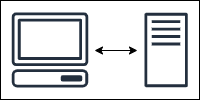
Client / Server Communication Client / Server Communication

Learn about clients, servers, requests, and responses.


Chapter 3: Servlets

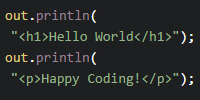
Servlets Servlets

Create a dynamic web app.


Servlets Examples

Social Feed Website Part 1: Servlets Social Feed Website Part 1: Servlets

Use servlets to show user posts.

Add Your Own Example Add Your Own Example

Add your own example to Happy Coding.


Chapter 4: JSP

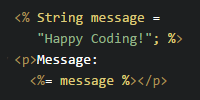
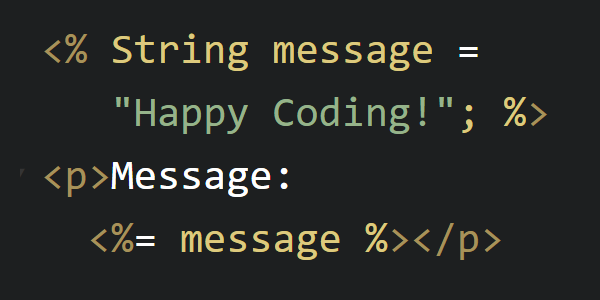
JSP JSP

Jakarta Server Pages


JSP Examples

Social Feed Website Part 2: JSP Social Feed Website Part 2: JSP

Use JSP to render user posts.

JSP Unix Time JSP Unix Time

Use JSP to show the current Unix time.

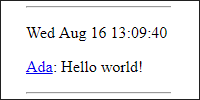
JSP Date JSP Date

Use JSP to show today's date.

JSP Coin Flipper JSP Coin Flipper

Use JSP to flip a coin.

JSP Zoo JSP Zoo

Use JSP to show a list of animals.

JSP Header JSP Header

Use JSP to show a header on every page.

Servlet JSP Date Servlet JSP Date

Use servlets and JSP to show today's date.

Servlet JSP Date (Hidden JSP) Servlet JSP Date (Hidden JSP)

Use servlets and JSP to show today's date while hiding the JSP file.

Add Your Own Example Add Your Own Example

Add your own example to Happy Coding.


Chapter 5: Eclipse EE

Eclipse EE Eclipse EE

Use Eclipse to write server code.


Chapter 6: Post Requests

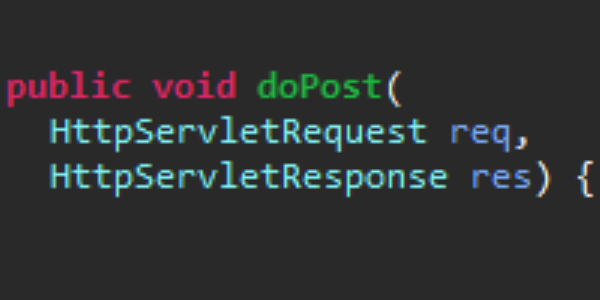
Post Requests Post Requests

Send data to your server.


Post Requests Examples

Social Feed Website Part 3: Post Requests Social Feed Website Part 3: Post Requests

Let users create their own posts.

Name Input Name Input

Use POST requests to get the user's name.

Name List Name List

Use POST requests to show a list of names.

Name List - JSP Name List - JSP

Use POST requests and JSP to show a list of names.

Name List - Fetch Name List - Fetch

Use the fetch function to show a list of names.

Add Your Own Example Add Your Own Example

Add your own example to Happy Coding.


Chapter 7: Libraries

Libraries Libraries

Use libraries in your server code.


Chapter 8: Sanitizing User Input

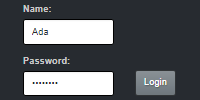
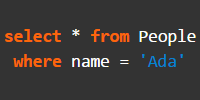
Sanitizing User Input Sanitizing User Input

Safely handle user input.


Sanitizing User Input Examples

Unsanitized User Input Unsanitized User Input

See what happens when you don't sanitize user input.

Escaping User Input Escaping User Input

Use Apache Commons Text to escape user input.

Add Your Own Example Add Your Own Example

Add your own example to Happy Coding.


Chapter 9: Sessions

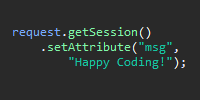
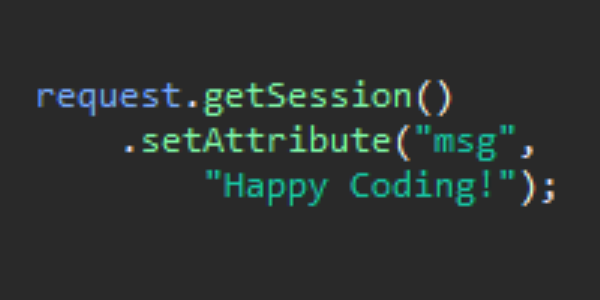
Sessions Sessions

Store user data between requests.


Sessions Examples

Social Feed Website Part 4: Sessions Social Feed Website Part 4: Sessions

Let users login and create their own posts.

Add Your Own Example Add Your Own Example

Add your own example to Happy Coding.


Chapter 10: Secure Password Storage

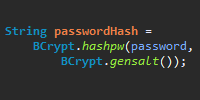
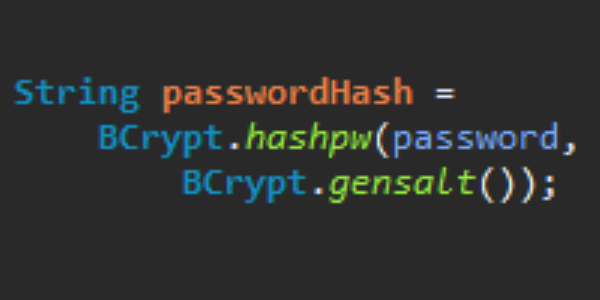
Secure Password Storage Secure Password Storage

How to (not) store passwords.


Chapter 11: Thread Safety

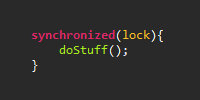
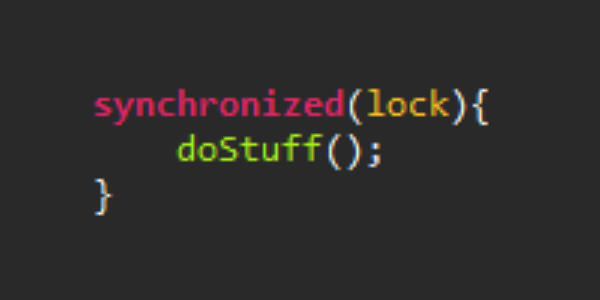
Thread Safety Thread Safety

Safely handle multiple requests at the same time.


Thread Safety Examples

Social Feed Website Part 5: Thread Safety Social Feed Website Part 5: Thread Safety

Let multiple users post messages safely.

Add Your Own Example Add Your Own Example

Add your own example to Happy Coding.


Chapter 12: Hosting on AWS

Hosting on AWS Hosting on AWS

Host your server on AWS so other people can use your web app.


Chapter 13: Hosting on Google App Engine

Hosting on Google App Engine Hosting on Google App Engine

Host your server on Google App Engine so other people can use your web app.


Chapter 14: Databases

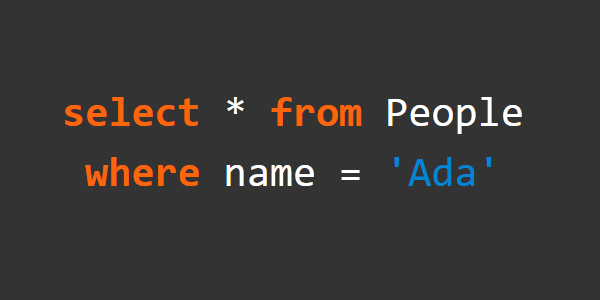
Databases Databases

Store your data in a database.


Chapter 15: Uploading Files

Uploading Files Uploading Files

Let users upload images and other files.


Chapter 16: Creating a REST API

Creating a REST API Creating a REST API

Use REST to support various clients.


Chapter 17: Struts

Struts Struts

Use the Struts framework to make advanced web apps.


You are visitor 01402503 — GeezerVison does not store the pages you look up.
Best viewed with Netscape Navigator 4.7 or Internet Explorer 6 at 800×600. No cookies required.