GV

GeezerVison

The World Wide Web, restored to 800 pixels of glory.

Home|About|Gaming cabinet|Archives|How it works|Starter sites

On this site

  • Happy Coding
  • Tutorials
  • Blog

This view

  • Original page
  • New address

GeezerVison is showing happycoding.io — Processing Tutorials

Processing Tutorials

  • Hour of Code

  • What is Programming?

  • Calling Functions
    • Smiley Face
    • Flower
    • Heart

  • Using Variables
    • Smiley Face
    • Flower
    • Jack-o'-Lantern
    • Scaling Heart

  • Creating Variables
    • Random Face
    • Random Jack-o'-Lantern

  • Creating Functions
    • Random Faces
    • Glowing Jack-o'-Lantern
    • Turtle Graphics
    • Random Hearts

  • Debugging

  • If Statements
    • Good Morning

  • Animation
    • Random Walker
    • Worms
    • Vine

  • Input
    • Bouncing Balls
    • Random Walkers
    • Pumpkin Patch
    • Draggable Circle

  • For Loops
    • Random Colors
    • 2D Gradient
    • Bouncing Gradient
    • Corner Gradient
    • Radial Gradient
    • Random Circles
    • Letters
    • Spiral

  • Arrays
    • Bouncing Balls
    • Random Walkers

  • Using Objects
    • Stack Overflow Data Visualization
    • Eyes

  • Creating Classes
    • Flocking
    • Flyers

  • ArrayLists
    • Flocking
    • Random Walkers

  • Images
    • NES Filter
    • Mars Perseverance Image Colorizer
    • Glitch Lines
    • Pixel Spinner

  • Libraries
    • Random Piano
    • Notes Recorder
    • Random Synthesizer

  • Exporting Applications

  • Processing.js

  • What's Next?

  • Collision Detection

  • Simple Reference
  • p5.js Tutorials
  • HTML Tutorials
  • JavaScript Tutorials
  • Processing Tutorials
  • Java Tutorials
  • Server Tutorials
  • Google Cloud
  • Android Tutorials
  • LibGDX Tutorials
  • How-To Guides
  • Interviewing

  • Gallery

  • Blog

  • Teaching

  • Forum

  • Mastodon github
    etsy youtube RSS

Processing Tutorials

Processing is a coding language for making creative, animated, interactive, and artistic projects. It's designed for folks who are new to coding, so it's the perfect place to start. It's also built on top of Java, so it's a great way to learn the fundamentals of coding, even if your eventual goal is to learn other languages.


Chapter 1: What is Programming?

What is Programming? What is Programming?

Get ready to write some code.


Chapter 2: Calling Functions

Calling Functions Calling Functions

Tell the computer what to do.


Calling Functions Examples

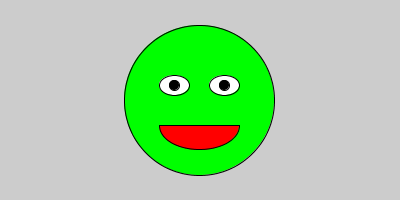
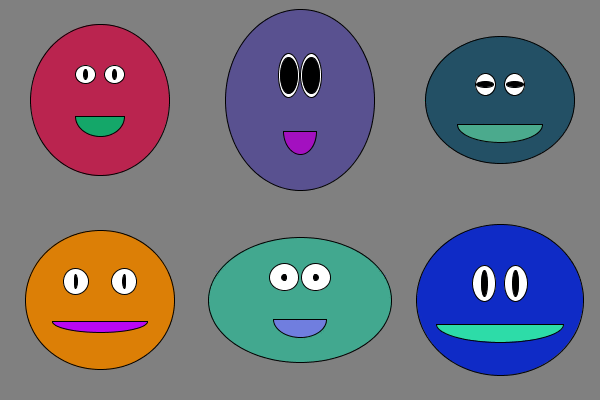
Smiley Face Smiley Face

Draw a smiley face.

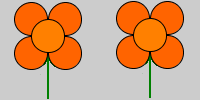
Flower Flower

Draw a flower.

Heart Heart

Draw a heart. ❤

Add Your Own Example Add Your Own Example

Add your own example to Happy Coding.


Chapter 3: Using Variables

Using Variables Using Variables

Get information from the computer.


Using Variables Examples

Smiley Face Smiley Face

Scale a smiley face.

Flower Flower

Scale a flower.

Jack-o'-Lantern Jack-o'-Lantern

Draw a Jack-o'-lantern.

Scaling Heart Scaling Heart

Scale a heart. ❤

Add Your Own Example Add Your Own Example

Add your own example to Happy Coding.


Chapter 4: Creating Variables

Creating Variables Creating Variables

Give your code a memory.


Creating Variables Examples

Random Face Random Face

Procedurally generate a smiley face.

Random Jack-o'-Lantern Random Jack-o'-Lantern

Procedurally generate a Jack-o'-lantern.

Add Your Own Example Add Your Own Example

Add your own example to Happy Coding.


Chapter 5: Creating Functions

Creating Functions Creating Functions

Write your own custom functions.


Creating Functions Examples

Random Faces Random Faces

Procedurally generate infinite smiley faces.

Glowing Jack-o'-Lantern Glowing Jack-o'-Lantern

Make a glowing Jack-o'-lantern.

Turtle Graphics Turtle Graphics

Use functions to create a pen that you can rotate and move.

Random Hearts Random Hearts

Draw random hearts. ❤

Add Your Own Example Add Your Own Example

Add your own example to Happy Coding.


Chapter 6: Debugging

Debugging Debugging

How to fix errors in your code.


Chapter 7: If Statements

If Statements If Statements

Make decisions in your code.


If Statements Examples

Good Morning Good Morning

Say hello based on the time of day.

Add Your Own Example Add Your Own Example

Add your own example to Happy Coding.


Chapter 8: Animation

Animation Animation

Create animated visualizations.


Animation Examples

Random Walker Random Walker

aka the scribbler

Worms Worms

Your basghetti is now worms!

Vine Vine

Procedurally generated vine animation.

Add Your Own Example Add Your Own Example

Add your own example to Happy Coding.


Chapter 9: Input

Input Input

Use mouse and keyboard input to make interactive sketches.


Input Examples

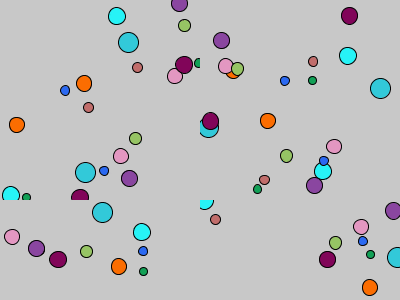
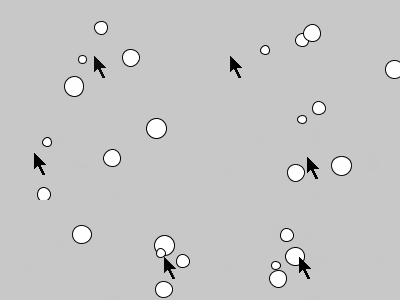
Bouncing Balls Bouncing Balls

Make a random bouncing ball pit.

Random Walkers Random Walkers

Randomly colored random walkers.

Pumpkin Patch Pumpkin Patch

Click to add a pumpkin to the patch.

Draggable Circle Draggable Circle

Reposition a circle by dragging it around the screen.

Add Your Own Example Add Your Own Example

Add your own example to Happy Coding.


Chapter 10: For Loops

For Loops For Loops

Use patterns to repeat work without repeating code.


For Loops Examples

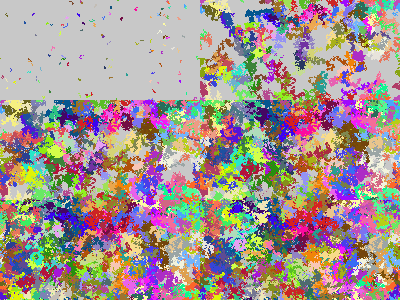
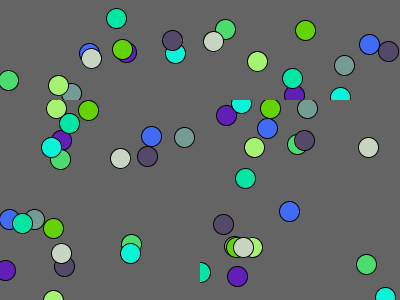
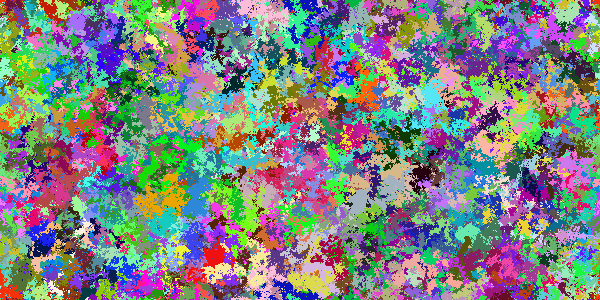
Random Colors Random Colors

Make every pixel a different color.

2D Gradient 2D Gradient

Create a 2D gradient.

Bouncing Gradient Bouncing Gradient

Create a bouncing gradient.

Corner Gradient Corner Gradient

Create a corner gradient.

Radial Gradient Radial Gradient

Create a radial gradient.

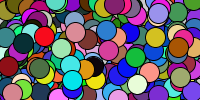
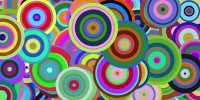
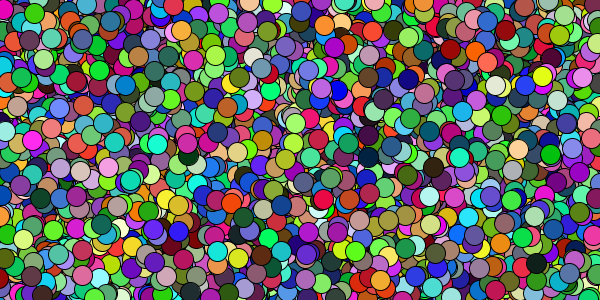
Random Circles Random Circles

Random circles fill up the screen.

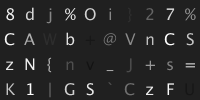
Letters Letters

Show a grid of letters.

Spiral Spiral

Create a colorful spiral.

Add Your Own Example Add Your Own Example

Add your own example to Happy Coding.


Chapter 11: Arrays

Arrays Arrays

Create variables that hold multiple values.


Arrays Examples

Bouncing Balls Bouncing Balls

Make a random bouncing ball pit.

Random Walkers Random Walkers

Randomly colored random walkers.

Add Your Own Example Add Your Own Example

Add your own example to Happy Coding.


Chapter 12: Using Objects

Using Objects Using Objects

Group related variables together.


Using Objects Examples

Stack Overflow Data Visualization Stack Overflow Data Visualization

Visualize data from the Stack Overflow API!

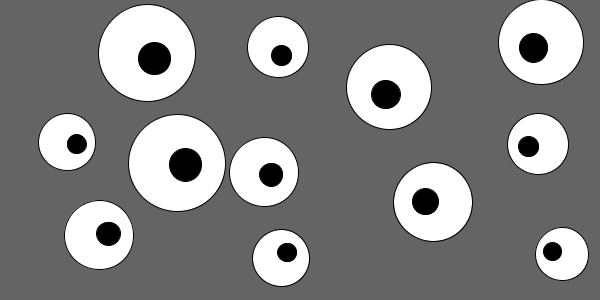
Eyes Eyes

This example creates creepy eyes that follow your mouse.

Add Your Own Example Add Your Own Example

Add your own example to Happy Coding.


Chapter 13: Creating Classes

Creating Classes Creating Classes

Create blueprints for your own objects.


Creating Classes Examples

Flocking Flocking

Simulate the behavior of a flock of birds.

Flyers Flyers

Create a swarm that follows the mouse.

Add Your Own Example Add Your Own Example

Add your own example to Happy Coding.


Chapter 14: ArrayLists

ArrayLists ArrayLists

Create an object that stores other objects.


ArrayLists Examples

Flocking Flocking

Drag to create more Flockers.

Random Walkers Random Walkers

Randomly colored random walkers.

Add Your Own Example Add Your Own Example

Add your own example to Happy Coding.


Chapter 15: Images

Images Images

Display and manipulate image files.


Images Examples

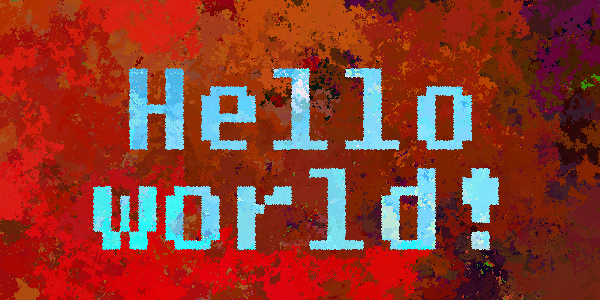
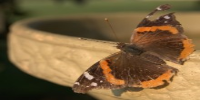
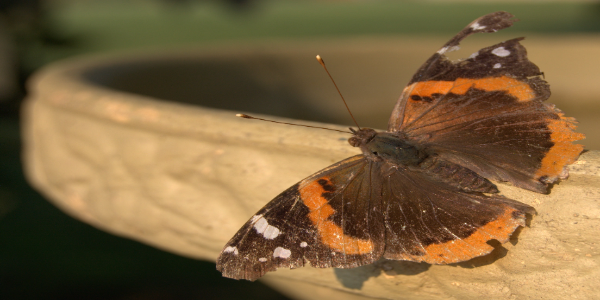
NES Filter NES Filter

Color an image using the NES palette.

Mars Perseverance Image Colorizer Mars Perseverance Image Colorizer

Colorize images coming from Mars!

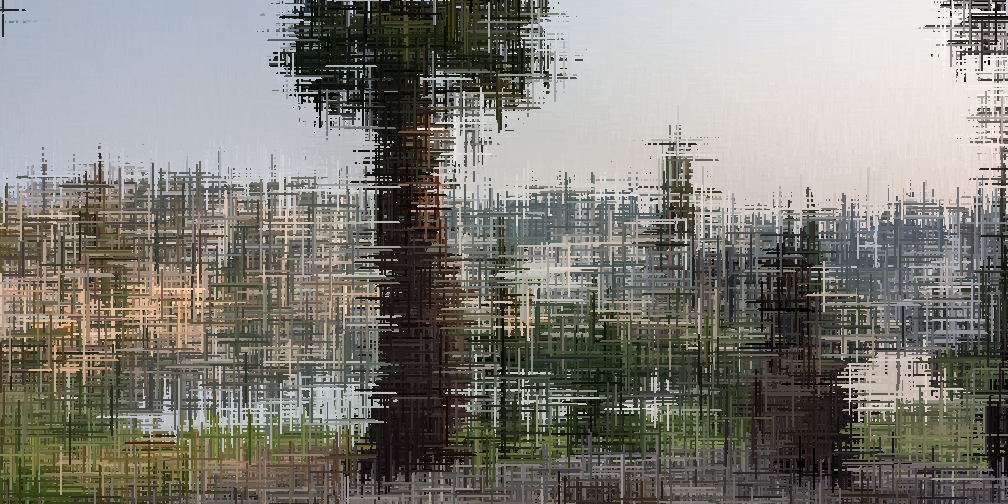
Glitch Lines Glitch Lines

Make glitch art from your images.

Pixel Spinner Pixel Spinner

Move pixels around the center.

Add Your Own Example Add Your Own Example

Add your own example to Happy Coding.


Chapter 16: Libraries

Libraries Libraries

Use libraries to expand what Processing can do.


Libraries Examples

Random Piano Random Piano

Use the Minim library to play random piano notes.

Notes Recorder Notes Recorder

Use Minim to play and record notes.

Random Synthesizer Random Synthesizer

Use the Minim library to play random synthesizer notes.

Add Your Own Example Add Your Own Example

Add your own example to Happy Coding.


Chapter 17: Collision Detection

Collision Detection Collision Detection

Trigger an action when objects overlap.


Chapter 18: Exporting Applications

Exporting Applications Exporting Applications

Share your programs with other people.


Chapter 19: Processing.js

Processing.js Processing.js

Embed your sketch in a webpage.


Chapter 20: What's Next?

What's Next? What's Next?

Some options to explore after learning Processing.


Hour of Code

Hour of Code Hour of Code

Learn the basics of programming in an hour!


You are visitor 01402503 — GeezerVison does not store the pages you look up.
Best viewed with Netscape Navigator 4.7 or Internet Explorer 6 at 800×600. No cookies required.