GeezerVisonThe World Wide Web, restored to 800 pixels of glory. |
| Home|About|Gaming cabinet|Archives|How it works|Starter sites |
GeezerVison is showing happycoding.io — Sever Libraries LibrariesLibraries
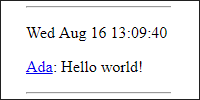
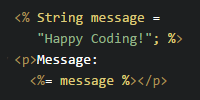
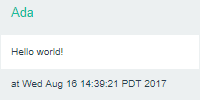
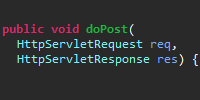
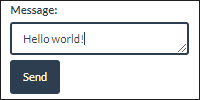
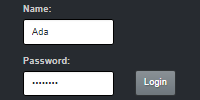
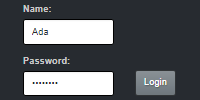
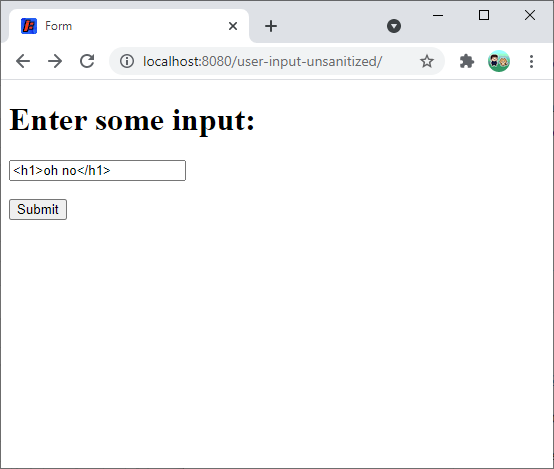
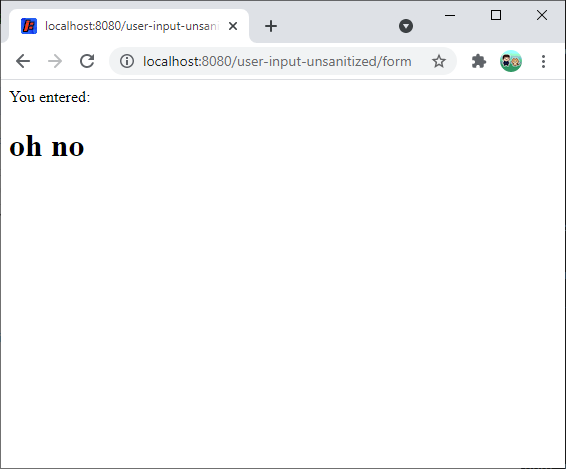
So far, you’ve learned how to write your own Java server code using servlets and JSP. Remember from the Java libraries tutorial that you can use libraries to expand what your code can do. This tutorial shows you how to use Java libraries in your server code. Example Web AppLet’s start with an example web app that takes input from a user and then displays it. The The You can view or download this project here: What happens if the user enters some HTML content?
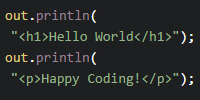
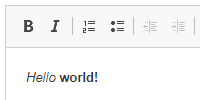
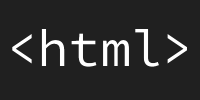
Try entering something like
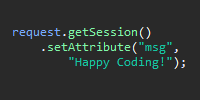
This happens because the servlet code outputs the text directly into the response on this line: So if That might not seem like a big deal, but letting users input arbitrary HTML can cause problems on your site. It can lead to bad formatting, or even worse, exploits like cross-site scripting. One way to fix that is by replacing HTML characters in the text with character entities so that it renders as text instead of HTML. This is called escaping. For this specific example, you could probably write some logic that encodes Step 0: Find a LibraryWith so many libraries available, how do you know what’s out there, or which one to choose? Start by opening your favorite search engine and entering “Java library” plus the problem you’re trying to solve. For example, “Java library escape html” returns quite a few suggestions you could try out. If you have a few options, peruse each library’s homepage and documentation. Is the library still being updated? Is its documentation readable? Try writing small “hello world” programs that test out each library, and see which one you like the best! Commons TextThe Apache Commons Text library provides a bunch of utility classes and functions, including a I’m using this library as an example, but the steps you follow to use this library apply to most libraries. Step 1: Add the Library to your ClasspathYour classpath is where Java looks for classes. By default, that includes every Java class that comes with the Java Runtime Environment, and because you’re using Jakarta EE, your classpath also includes the Jakarta EE classes. To use a library, the first thing you need to do is add it to your classpath. Maven DependencyI highly recommend using Maven, because it means you don’t have to deal with Most Java libraries have a Maven dependency. To find the library’s Maven dependency, read through the library’s docs, or try typing the library’s name followed by “Maven dependency” into your favorite search engine. Here’s the Maven dependency for the Apache Commons Text library: Add this to your Downloading Library JarsI recommend using Maven as described above, but if for some reason you can’t use Maven, you can manually add the library to your classpath. Go to the library download page and download the library. Unzip the file, and find the Then you can add that file to the Step 2: Use the Library in Your CodeNow that the Apache Commons Text library is on your classpath, you can use it in your code. First, find the class you want to use- in this case, it’s the This servlet now calls the Step 3: Compile and Run Your CodeCompile and run your server using the approach you chose in anatomy of a web app.
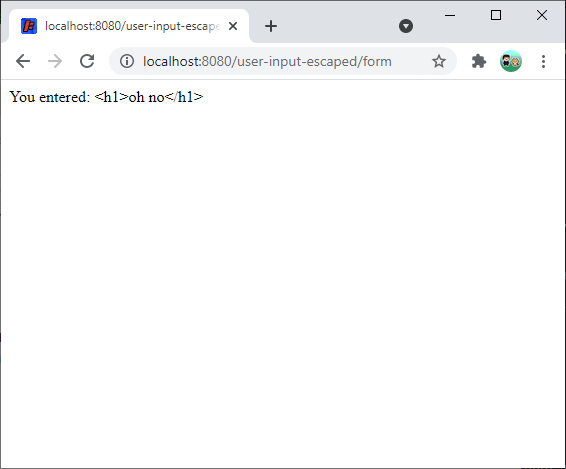
Navigate to
That’s because the Commons Text library escapes the HTML, which renders it as text instead of HTML content. You can view or download this example here: This example used a particular library, but all of the above will work for any library you want to use. Homework
Examples |
| You are visitor 01402503 — GeezerVison does not store the pages you look up. Best viewed with Netscape Navigator 4.7 or Internet Explorer 6 at 800×600. No cookies required. |