GeezerVisonThe World Wide Web, restored to 800 pixels of glory. |
| Home|About|Gaming cabinet|Archives|How it works|Starter sites |
GeezerVison is showing codeception.com — Parallel Execution - Codeception Docs Guides
Testomatio - Test Management for Codeception Search💡 You are reading docs for latest Codeception 5. Read for 4.x
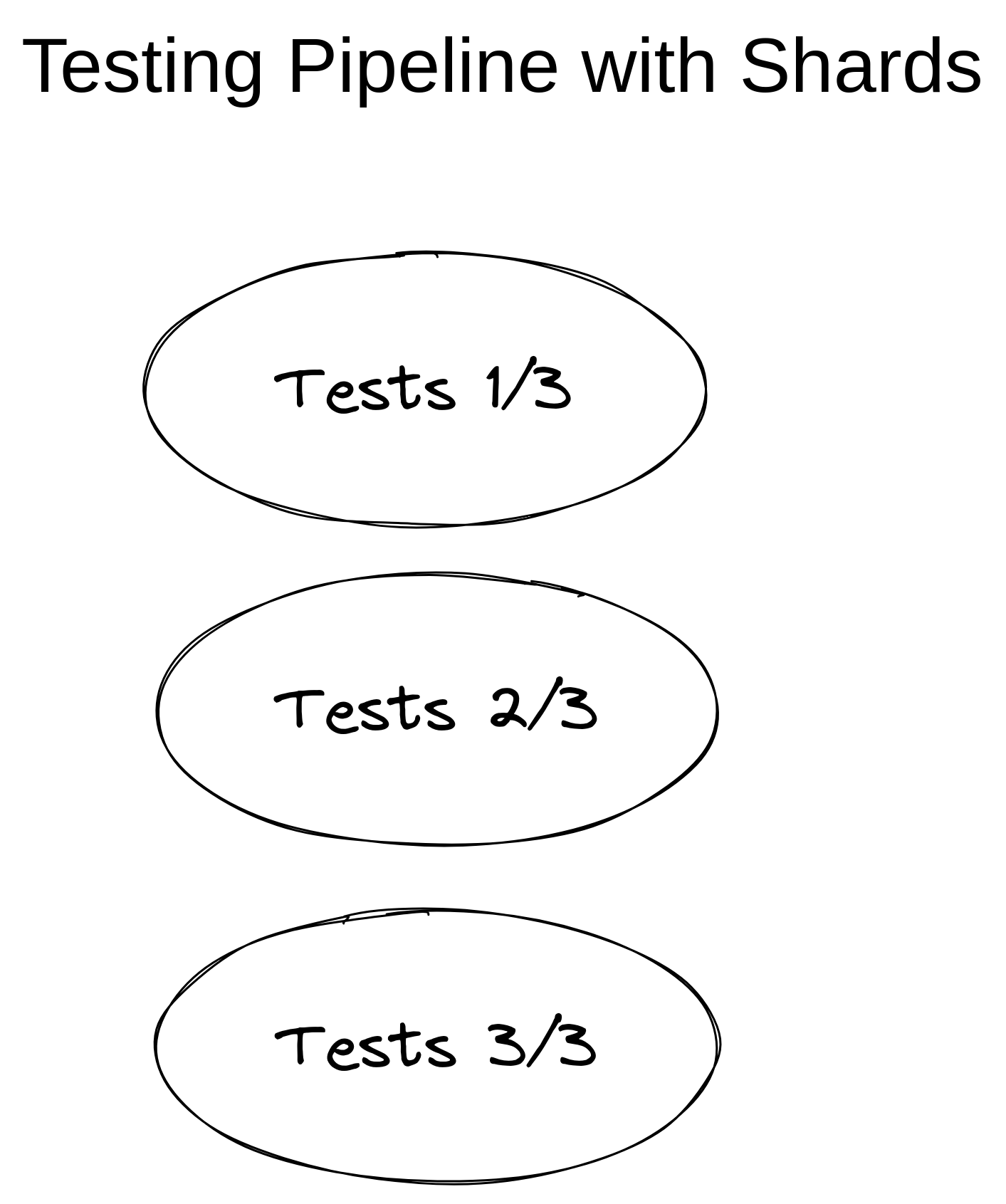
Parallel ExecutionWhen execution time of your tests is longer than a coffee break, it is a good reason to think about making your tests faster. If you have already tried to run them on SSD drive, and the execution time still upsets you, it might be a good idea to run your tests in parallel. However, PHP runs in a single-process and you can’t parallelize tests natively similarly to how this works in Java or in NodeJS. Depending on the project size and requirements you can choose how the best to implement parallel testing for your case. In this guide we will overview possible options. ShardingMinimal setup can be implemented by executing several independent CI jobs and running. Sharding in Codeception allows to combine stages 1 and 2 so tests could be split by groups on the fly. In this case a pipeline could be simplified to one stage with several jobs.
Each job should have Codeception running a subset of tests set by First job Second job Third job For each job you specify on how many groups tests should be split and the group that should be executed on this agent.
I.e. Splitting test by shards is done automatically with zero-config. However, in this case you receive as many reports as jobs you have. To aggregate jobs store HTML, XML, and CodeCoverage results as artifacts and add an extra job in the end to merge them. Merging can be done with Robo-paracept toolset described below. To get an aggregated report without an extra stage and without managing artifacts use Testomat.io. This is a SaaS platform that can receive test results from different parallel run and show them in the one interface.
By running tests with Testomat.io reporter attached results will be sent to a centralized server. By default each execution will create its own report. To store results from different shards in one report set the Run title for them. You can use a common environment variable, like number of a build, to create the unique title which will be the same for all jobs. If build id is stored as $BUILDID variable, execution script for shard #3 can be following: Building PipelineWhile sharding provides a simplified setup for testing the complete pipeline schema may look like this.
To get more control on how the jobs are split excuted and results aggregated you can use a task runner. Codeception provides a toolset for Robo task runner called robo-paracept for splitting tests into groups and merging resulting JUnit XML reports. To sum up, we need to install:
Using Robo and Robo-paraceptExecute this command in an empty folder to install Robo and Robo-paracept : Setting up RoboInitializes basic RoboFile in the root of your project Open Each public method in robofile can be executed as a command from console. Let’s define commands for 3 stages and include autoload. When running Step 1: Split TestsCodeception can organize tests into groups. Starting from 2.0 it can load information about a group from a files. Sample text file with a list of file names can be treated as a dynamically configured group. Take a look into sample group file: Tasks from But what if one group of your tests runs for 5 mins and other for 20mins. In this case, you can balance execution time by using SplitTestsByTime task. It will generate balanced groups taking the execution speed into account.
Let’s prepare group files: The output should be similar to this: Now we have group files. We should update Let’s try to execute tests from the second group: Step 2: Running TestsAt this point you should decide if tests are executed on the same job or use multiple jobs for them. We recommend using multiple jobs, as in this case the burden of parallelization goes to CI server. This makes a lot of sense as a single machine has limited resources. If you split tests into CI jobs, you are limited only to the number of agents (build servers) that the CI can provide. For cloud-based services like GitHub Actions, GitLab CI, CircleCI, etc, this number is unlimited.
In some situations you may want to keep tests running on the same machine and scale it up with more resourses. This makes sense if you have heavy application setup for each test run and setting it up for each machine can waste a lot of resources. To execute tests in multiple processes Robo has After the Step 3: Merge ResultsIn case of Now, we can execute :
If you prefer HTML reports, they can be generated in the same way:
Don't know how to write tests on your own? We will build or improve them for you.
Request a quote for official
enterprise
support or trainings
|
| You are visitor 01402503 — GeezerVison does not store the pages you look up. Best viewed with Netscape Navigator 4.7 or Internet Explorer 6 at 800×600. No cookies required. |