GeezerVison is showing happycoding.io — Flocking
Flocking
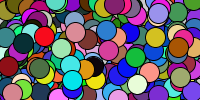
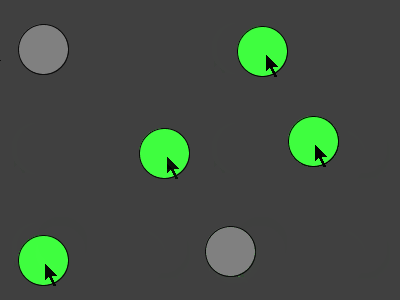
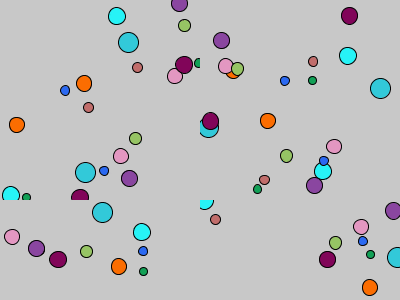
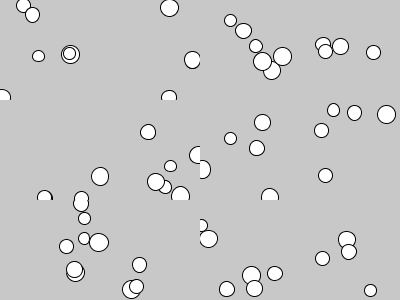
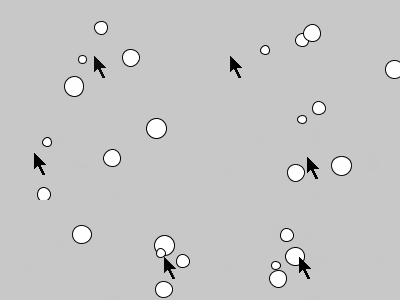
This program takes the previous Flocking example and uses an ArrayList to allow the user to add Flocker instances by dragging the mouse.
You can technically do this using an array and the append() function, but using an ArrayList is much faster.
ArrayList<Flocker> flock = new ArrayList<Flocker>();

void setup() {
  size(200, 200);
}

void draw() {

  background(200);

  for (Flocker f : flock) {
    f.step();
    f.draw();
  }
}

void mouseDragged() {
  flock.add(new Flocker(mouseX, mouseY));
}

class Flocker {

  float x;
  float y;
  float heading = random(TWO_PI);
  float speed = random(1, 3);
  float radius = random(10, 20);

  public Flocker(float x, float y) {
    this.x = x;
    this.y = y;
  }

  void step() {

    //we need more than one Flocker for this to work
    if (flock.size() > 1) {

      //find the closest Flocker
      float closestDistance = 100000;
      Flocker closestFlocker = null;
      for (Flocker f : flock) {

        //make sure not to check against yourself
        if (f != this) {
          float distance = dist(x, y, f.x, f.y);
          if (distance < closestDistance) {
            closestDistance = distance;
            closestFlocker = f;
          }
        }
      }

      float angleToClosest = atan2(closestFlocker.y-y, closestFlocker.x-x);

      //prevent case where heading is 350 and angleToClosest is 10
      if (heading-angleToClosest > PI) {
        angleToClosest += TWO_PI;
      } else if (angleToClosest-heading > PI) {
        angleToClosest -= TWO_PI;
      }

      //turn towards closest
      if (heading < angleToClosest) {
        heading+=PI/40;
      } else {
        heading-=PI/40;
      }

      //move in direction
      x += cos(heading)*speed;
      y += sin(heading)*speed;

      //wrap around edges
      if (x < 0) {
        x = width;
      }
      if (x > width) {
        x = 0;
      }

      if (y < 0) {
        y = height;
      }
      if (y > height) {
        y = 0;
      }
    }
  }

  void draw() {
    ellipse(x, y, radius, radius);
  }
}
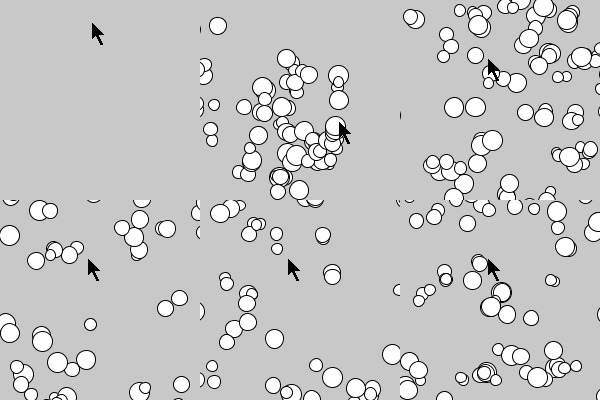
Watch each Flocker and notice that it’s just continuously trying to follow its closest neighbor. Even though each individual Flocker is only following simple rules, the program itself is a basic simulation of how birds flock, or how bugs swarm, or how a school of fish swims. This idea of complicated (or even beautiful) patterns emerging from simple rules is called emergence!
Tweak Ideas
- The flocking logic here is very simple and just uses cohesion (get close to your neighbors). Better simulations also take separation (don’t get too close to your neighbors) and alignment (fly in the same direction as neighbors) into account. You could also consider the closest 5 (or 10, or…) neighbors instead of only the closest one, or you could consider all of the neighbors within some distance.
- Give each
Flocker a random color.
- Move the call to
background() to the setup() function to show trails.
- Make them run away from each other instead of chase each other.
- Make one
Flocker “it” and have it run away from all of the other Flockers while they chase it- or vice-versa!